How to Title Your Project Portfolio Page

1. Clarity Over Creativity

Your title should instantly communicate what the page is about. Avoid vague or overly clever names that might confuse visitors.

2. Use Industry-Specific Keywords

Think about how potential clients or employers search for work like yours. Including relevant terms helps with SEO and makes it easier for users to find your page.

Examples:

  • “Award-Winning Branding Projects”
  • “SaaS Website Design Portfolio”
  • “Modern Residential Architecture Showcase”

3. Highlight Your Niche or Strengths

If your work is specialized, your title should reflect that to attract the right audience.

Examples:

  • “E-Commerce UX Design Portfolio”
  • “Nonprofit Marketing Campaigns”
  • “Luxury Home Interior Design Showcase”

4. Consider Adding Social Proof

If you have impressive credentials, consider including them to build credibility.

Examples:

  • “Fortune 500 Marketing Campaigns Portfolio”
  • “Award-Winning Animation Projects”
  • “500+ Successful Web Designs”

5. Keep It Concise and Scannable

A long, cluttered title may lose impact. Stick to essential words that clearly convey your message.

6. Portfolio Naming Ideas

  • Our Work – this is a pretty nice collective term (we are going to be using it on our site) but it may not be the vibe you want.
  • Work – this is one of the more common in the industry and is rather modern
  • Portfolio – feels maybe too artistic to me and more fitting for residential side
  • Projects – this to me gives a more robust feeling. It isn’t just a portfolio piece with pictures but hints at duration, heavy involvement, planning, management etc.
  • Design Portfolio – artsy and clear

Keep in mind  the URL, which should match the page title e.g. .net/projects  and .net/project/name-here

Think about if the singular form that you’ve chosen still feels as right as the archive / showcase page.

7. Use of “our” and “us”

e.g. Our Work, About Us, Contact Us,
This can be more human, relational, and purposeful but it is also not as formal, clean, and professional. It is entirely a legitimate direction, it is just on the Friendly side of the continuum with stiff being the opposite end.

Your portfolio title is more than just a label—it’s the first impression potential clients or employers have of your work. A clear, keyword-rich title improves discoverability, sets expectations, and helps position your expertise. Take the time to craft a name that reflects your strengths and makes it easy for the right audience to find you.


They’ve read your blog post, now what?

What are the “next steps” we should be encouraging the users to take after they read a post?
If so, does that vary by post?

This question can impact some design and functionality but more importantly it could impact your business’s bottom line.

They’ve read the content, found it of value, now what? Do we want them to…

  • Leave a comment
  • Share on Social Media
  • Email the author
  • Go check out a product or product category
  • Sign up for an email blast
  • Join a Social community (e.g. LinkedIn, Twitter, Facebook)
  • Trade their email for a free download
  • Visit another related site
  • Become a contributor

The answer(s) to what you want a user to do after reading your content are going to be different for everyone.  BUT whatever the case, this is a very very important question to wrestle with.

A great blog post doesn’t just inform—it guides the reader toward what to do next. Without a clear next step, even the most engaging content can become a dead end. Whether it’s prompting readers to explore related articles, download a resource, sign up for a newsletter, or take action on your product or service, a well-placed call to action keeps the momentum going.

Every blog post should have a purpose beyond just being read—think of it as the start of a conversation, not the end. By giving readers a logical next step, you turn passive readers into engaged users and, ultimately, into loyal customers.

Blogging without having a “next step” lined up for a user is a wasted opportunity.


Image SEO – How to Help your Images Rank Well

1. Use Descriptive, Keyword-Rich Filenames

Instead of uploading a file named DSC3856223.jpg , name it using keywords. If this was a post on blue widgets I would name it blue-widgets.jpg

Some rules for naming image files… (these also apply to URLs in general)

  • Always use all lowercase. Some servers treat capitals differently so Blue-Widgets.jpg may be a different file than blue-widgets.jpg.  K.I.S.S.
  • Use a dash “-” to denote a space. If you have spaces in your URL/file then those are converted into junky looking HTML like, %20

 Before uploading an image, rename it with a clear, relevant filename that includes keywords.

2. Optimize Alt Text for Accessibility & SEO

Alt text helps search engines understand the image and improves accessibility for visually impaired users.

<img src="healthy-breakfast.jpg" alt="A bowl of oatmeal with fresh berries and almonds">

3. Choose the Right File Format

WebP – A modern format that provides high-quality images at smaller file sizes.

JPEG – Best for photos and images with lots of color.

PNG – Ideal for images requiring transparency but larger in size.

4. Compress the images

We’ve written an entire post on How to Properly Pre-Process and Optimize Images for WordPress.

Our favorite tool for compressing and resizing is Kraken.io

5. Surround Images with Relevant Content

Google considers the text around an image to determine its relevance. Ensure your images are placed within meaningful content that supports them.

Optimizing images for SEO isn’t just about making them look good—it’s about ensuring they enhance your site’s visibility, load quickly, and improve user experience. By using descriptive filenames, keyword-rich alt text, and the right file formats, you help search engines understand and rank your images better. Compressing images, leveraging responsive design, and using a CDN ensure fast load times, while structured data and image sitemaps further boost discoverability. When done right, image SEO can drive more traffic, improve rankings, and enhance user engagement.


Compiling the PERFECT Support Request for Your Web Dev Agency

Being in this game for over a decade with hundreds of clients, we’ve seen a support request or two in our time. In a given week we get dozens of requests.

How well-pulled-together the request is, directly equates to how quickly we can resolve.

Here’s how to compile the PERFECT support request for us or any Web Development / Design or Marketing agency.

1. Details, Details, Details

Sometimes we have to waste a few round-robins of emails just figuring out basic details. Let’s play baseball, not ping pong 🙂

State the need / issue as clearly as possible in the email subject line.

In the email body please give us:

  • Thorough description of the issue / need
  • URLs involved
  • Steps to reproduce

2. Your Browser / Operating System

For many bugs we need to know what browser you are using and what operating system. Does that sound like mumbo jumbo? Here are some examples.

  • Chrome / Windows 10
  • Safari / Mac OS Catalina
  • FireFox / Ubuntu
  • Chrome / Chromebook
  • Safari / iPhone 8+

If we aren’t able to replicate the issue it can be really challenging to solve.

3. Cleared cache?

Cache is the bane of our existence as web developers. At multiple levels your computer / browser, our server all “cache” (store) parts of sites in an effort to speed up the experience. Sometimes these can get stuck or need to be proactively cleared.

The ultimate is completely clearing your browser cache but sometimes you can just reload / refresh a page or go a step further with a “hard refresh”…

  • ctrl + f5 on most Window’s browsers
  • command + r or command + shift + r on Mac

Clear cache before reaching out and then, if the issue persists, let us know you cleared your cache already.

4. Give us a sense of urgency and timeline

Some weeks we live like a M*A*S*H unit playing triage. You’ll be glad we prioritize critical business-affecting fixes over trivial ones if you ever find yourself in an urgent situation.

Doctor Mallard: “Get this website on the operating table now! Nurse, get me 3 lines of CSS and a shot of espresso. “

If we know when you are expecting help we can more easily fit you in. Our retainer clients who have us reserved for a certain number of hours a month get our most immediate attention but we do our best to attend to all issues with expedience.

5. Be nice

If you are one of our clients I don’t even need to say this as you guys rock.

Remember on the other end of the email is a human being, much like yourself, with all kinds of life pressures, workload to balance, and daily stressors.

It makes our jobs easier knowing you appreciate our efforts and value our time.

Be kind and remember that the brevity of email, while efficient, doesn’t do much to convey tone or attitude. Be generous with the emojis and animated gifs, they brighten our day 🙂

Josh’s Reflections on the First 10 Years

LimeCuda just celebrated our 10 year anniversary, read more and see some interesting stats.

I watched the founding of LimeCuda 10 years ago from afar. I was working at a CPA firm in Macon, GA when Blake and a friend from College, founded LimeCuda as part of a business plan class / competition. Blake has a great history of the LimeCuda biz plan competition win here.

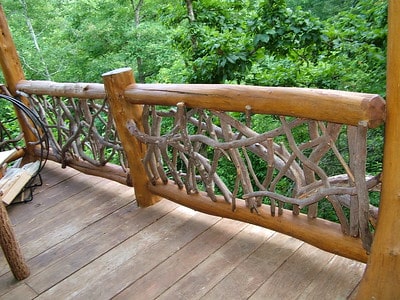
Blake and I met during our early high school (translate: awkward) years and became close friends. We worked building Mountain Laurel Railings and doing construction / renovation in Murphy, NC.

My Early Years

In 2010 I started doing “web design” by helping my then girlfriend (now wife) with a website for her photography business. The coolest thing I had done was click “Publish” on my new Macbook’s iWeb. The whole world could now see something I had created.

I had seen the work Blake was doing but didn’t realize there was overlap with what I was doing. He started with a focus on “SEO” and those letters meant nothing to me. When he realized my interest in the web, he pushed me to check out this WordPress thing. I did and it became a slowly building love.

I Was A Little Naive

After doing a few projects, I naively thought “I can do this” and went full-time, self-employed at the end of 2011. I was mistaken.

As a newlywed trying to support a family in an industry and skill with which I had little experience, I floundered. I made a couple hundred dollars a month while cutting my teeth at a theme shop, web customization shop, a marketing agency, and finally a large plugin / enterprise agency.

It was a long, hard battle that we like to refer to as my “college” years for this industry. It was a real school of hard knocks as I learned what it meant to not only do the work we do but also manage clients, proposals, contracts, cash-flow – everything, on my own.

Joining LimeCuda

Throughout this time, Blake and I always stayed in touch and worked together on many projects. I was a contractor and LimeCuda was one of my freelance clients.

Blake and I have known each other since we were 14. We started working for his dad early on and had a very independent work ethic at that time. We’ve always had an ability to lean into each other and naturally push each other up and along whenever needed.

We already talked like an old, married couple with the best sort of open communication, and frank crotchety banter. So, we had the discussion in 2016 and decided to get hitched as partners in business.

Pushing the LimeCuda brand forward had already been my priority for a while. All my relationships and work became LimeCuda’s. Our mutual interests and skills complemented so well, I knew it was the best decision for me even before I became an owner / partner.

What We’ve Learned

Personally, and with LimeCuda, the last 10 years have brought some hard times as well as profitable times. We’ve been able to watch companies rise and fall around us and learn from those experiences.

There have been several decisions that I think have been critical to our survival:

  1. Keeping it simple. We’ve been intentionally slow to grow our own team. We want to be specialized in what we do while maintaining strong, professional relationships with others that are masters of the skills we lack. We’re not interested in building a large “agency” to meet momentary needs in our network.
  2. Doing right by people. We’ve worked hard to build great relationships with our clients. Part of that has been taking full, personal ownership over the success of projects we take on. We’re also open and honest with people when their project isn’t a good fit. Yes, we’ve had hiccups along the way, however we’ve made huge leaps in redeeming those relationships. We aim to always do right by people.
  3. Focusing on lifestyle & health. Money is secondary. Yes, we need to make money (and a certain amount) to support our families. However, having a healthy lifestyle has been made a priority. There is a need to have checks and balances to define what is enough when you have your own business. We could always make more and there is no one stopping us from that being the motivation. But the lifestyle is the biggest thing we can control when searching for happiness on this path compared to a traditional job.
  4. Trust. Blake and I have known each other more than half our lives. We built our work ethics together. Our worldviews and values were defined together. We can lean into each other as we have family troubles or illness. We can trust that the other is taking care of “their house” without worrying “are they doing enough”.

It would be naive to believe there aren’t many more lessons to be learned. But, I’m excited about the next 10 years and what the new decade has in store – good or bad.

What to Think About Before Building a New Website? Part 3: Rankings & Strategy

In this final post of the series we dive into the rankings and strategy of building a new website. Part 1 was on Branding & Design, Part 2 was on Sitemap & Content.

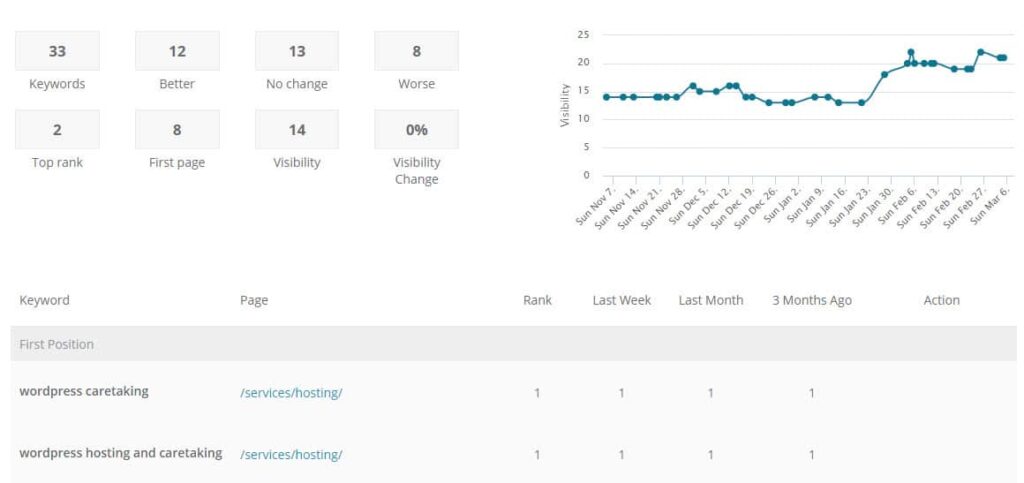
seo-ranking-tracking

Rankings & Strategy

SEARCH ENGINE OPTIMIZATION
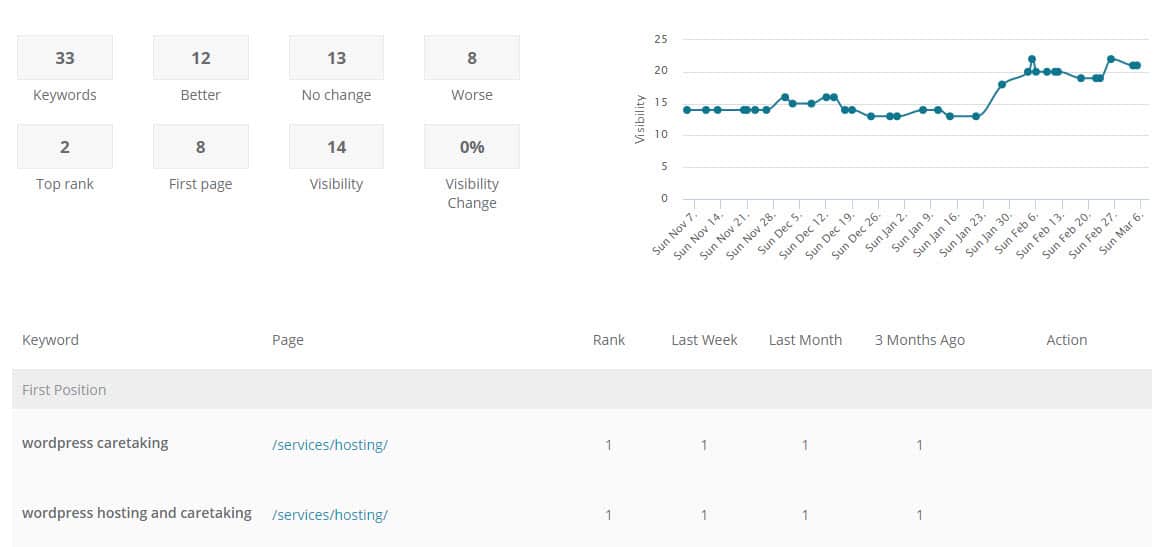
We recommend starting to think about the phrases for which you should be ranking in Google. When identifying keywords think about…

  • Competition – are there other big sites already ranking for the term?
  • Volume – how often the term might be searched
  • Relevance – the more specific the keyphrase the lower the competition but the lower the volume as well (generally)

Especially early on, we recommend striving to rank for the most relevant and specific keywords. There will be less traffic, true, but it is better traffic! The competition should be lower as well so gaining traction with rankings is doable.

SOCIAL MEDIA
Are there Social Media pages to which you need to link? Should you be encouraging your content to be shared anywhere? e.g. LinkedIn, Facebook, Twitter, Instagram, Pinterest, etc.

EMAIL MARKETING
Email is still the most effective tool in most online marketing toolkits. You may need to consider how you will collect email signups and what service you will use to send and track bulk email.

One of our favorite tools for email marketing is MailChimp.

STRATEGY
Hopefully you started this whole journey considering the website’s purpose and strategy; that determines all the above and a lot of what we went over in our two previous posts. (Part 1: Branding & Design, Part 2: Sitemap & Content.

The final step is figuring out what you are going to consider a “conversion” or success on the site. A good technique is to ask yourself “what would success on the site look like 5 years from now?” and then work backwards so you have somewhere to start working and an idea for what to track.

Assemble a list of what you will consider a success / conversion. Here are some ideas:

  • Submitting a Contact Form
  • Signing up for email list
  • Calling and speaking to someone
  • Liking a Social Media page
  • Downloading a whitepaper or an E-Book
  • Filling out some sort of form

There is much to think about when building a new web presence from the ground up. It is exhilarating but can be daunting. Take it in small bites and consider it a continually evolving tool.

Looking for experts to come alongside you? Contact us, we love assembling potent web strategy plans.

What to Think About Before Building a New Website? Part 2: Sitemap & Content

In Part 2 of our series we look at Sitemap & Content. Missed Part 1? It was all about the groundwork, branding, and design.

Content and Sitemap

You’ve now spent some time thinking and planning a design for your new site, now we get into the actual pages and words within the site. Design is critical, yes, but here is how you share your story.

Sitemap & Content

SITEMAP
A sitemap is most simply a list of the primary pages on your website. There is usually a hierarchy with top-level and sub-pages. Your top menu will end up being a slimmed-down or best-of version of the sitemap. A sample sitemap looks like:

  • Home
  • About Us
    • Leadership
    • Company History
    • Careers
  • Our Services
    • Custom Furniture Design
    • Woodworking School
  • Blog
  • Contact

How many pages do you need on your site? As a general rule, we’d say as few as possible. If you are trying to cram too many ideas or too much info on a page, then it might be best as its own page. But in general, keep your sitemap lean, understandable, and something as easy to get a sense of as possible.

TEXT
Once you have your starting Sitemap identified, you need content for each of these pages. These words on a page will live within a certain design layout and might make use of photos, videos, and graphics.

The text is a key part of telling the story. It is also a key part of ranking in Google (more on that below)

PHOTOS
Having great photos dramatically helps a site feel well done. Ideally have a professional photographer take pictures but carefully chosen stock photography may also be used. We use BigStockPhoto for stock images.

PULLING IT ALL TOGETHER / LAYOUT
Once you have the text, photos, graphics, videos, etc. it is all about putting them together into a consistent layout.

Writing good copy is hard. Probably just as difficult is then transposing it into a page layout that your audience can follow.

Remember, people scan on the web! Make your content easy to follow by carefully using these tools within your web layout toolkit:

  • Headings and sub headings (h1, h2, h3, etc/)
  • Bulleted and ordered lists
  • Bold and italics
  • Buttons or hyperlinking to other content
  • Columns or rows
  • Use of backgrounds, textures, and colors
  • Photos, graphics, icons, and videos

…and MOST KEY, once they have made their way through the page, is there a next step? Don’t forget what you want them to do! Is there more content to go deeper, a call to be scheduled, an e-book to download or a contact form to fill out?

Sitemap, content, and creating layouts sound daunting? Contact us, and see if we’re a good fit for your project.

What to Think About Before Building a New Website? Part 1: Branding & Design

Starting from nothing and helping build a new website that has never existed before is one of our favorite endeavors at LimeCuda. All that exists is a blank canvas and we get to be the first artists to create an online portrait of a business or organization. The rush is like some caffeinated pill of creativity.

About to begin that new website journey? This article explains the first of three high-level areas to start thinking about.

The Groundwork

You need to have a company / organization name, yes, but what about the domain name? This is a critical decision that will follow you for years.

Does it need to be a .com, .org, or something else ? How long will the name be? Are there misspellings to capture? Is it readable? Find available names (and purchase) using a registrar like GoDaddy.

AUDIENCE
Spend some time writing out what the audience(s) of the site are, what you should communicate to them, what they expect, what they will need to do, and what are the next steps you want them to take.

Branding & Design

You need a professional logo. If hiring a branding agency or graphic designer isn’t an option you can use something like 99Designs to get a great logo / brand for hundreds instead of thousands.

Ideally, you have firmed up the following design elements by the start of the project:

FONTS
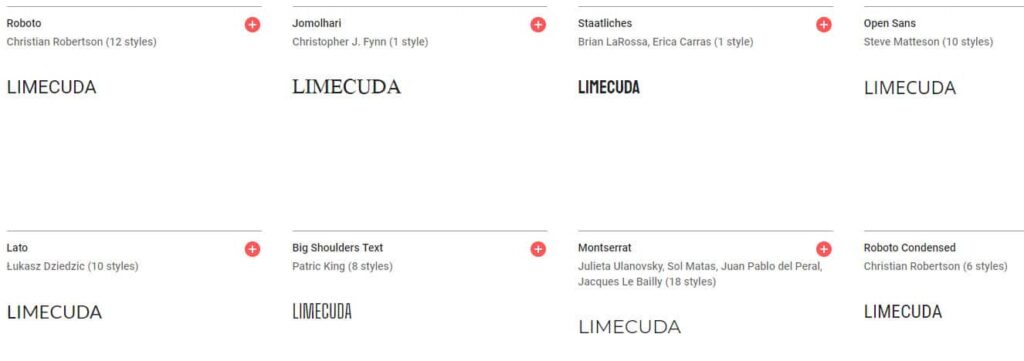
Use web-safe fonts like Google Fonts. A typeface can dramatically affect the feel of a website. Make sure it matches your brand personality.

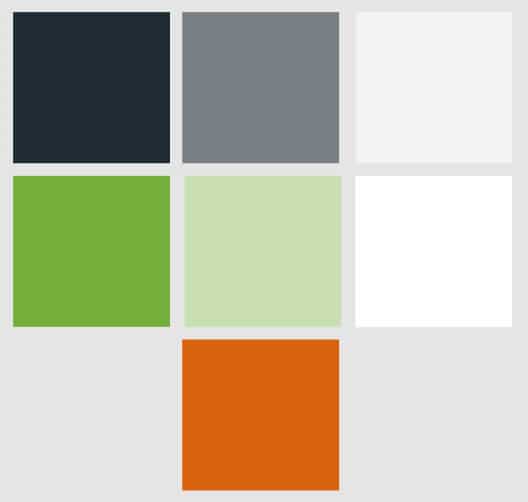
COLORS
Color says a lot about a brand. Used effectively it is a powerful tool. You will end up needing to have color codes like #96c940 you can use on the web.

Think about what colors will be used most predominantly – will the site feel dark or light? What color would be most ideal for a Call-To-Action color e.g. buttons?

You can use a free color palette generator like Adobe Color to to generate a color ideas.

LOGO VARIATIONS
You’ll likely need full color, black and white, small versions for Social Media, perhaps different versions for horizontal and vertical, etc.

Ideally get source / vector versions from the artist to give you flexibility with scaling or with other people working on the brand down the road.


Need an expert to metaphorically hold your hand? Contact us, we’d love to hear about what you are building and if we can be a key part.

It’s 2019… Well, 2018, That Was Quick

Oh man, this year went by way too fast! I know it’s cliché to say but time goes by faster the older you get.

It’s time again for our yearly review post! It’s been a busy year, unfortunately our blogging here doesn’t reflect that… you can still find our 2017 year in review in our home blog feed. Goal for 2019, a return to blogging #resolutions!

At the beginning of 2018, we set our general goal of “doing great work for awesome people”. As part of that, we thought it would only be appropriate to “do great work with awesome people” which we meant “with” in the physical sense. As a distributed team, we can sometimes take the importance of face-to-face interaction for granted. So, this year, we made it a point to travel more and meet some of our clients on their turf.

HEY! HEY! It’s a beautiful day LA

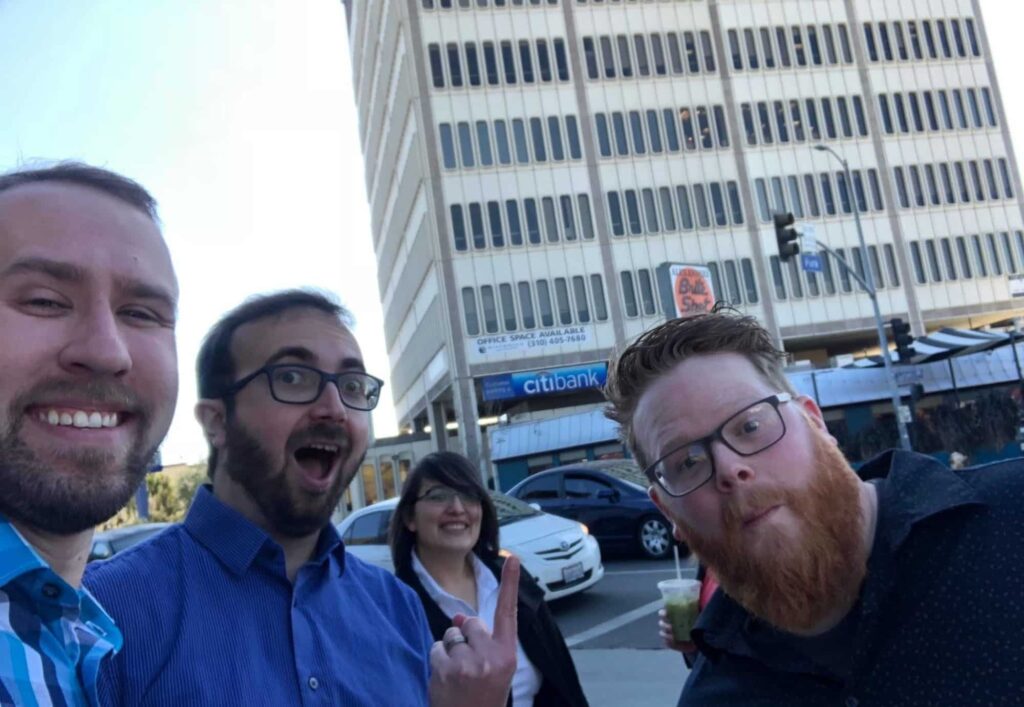
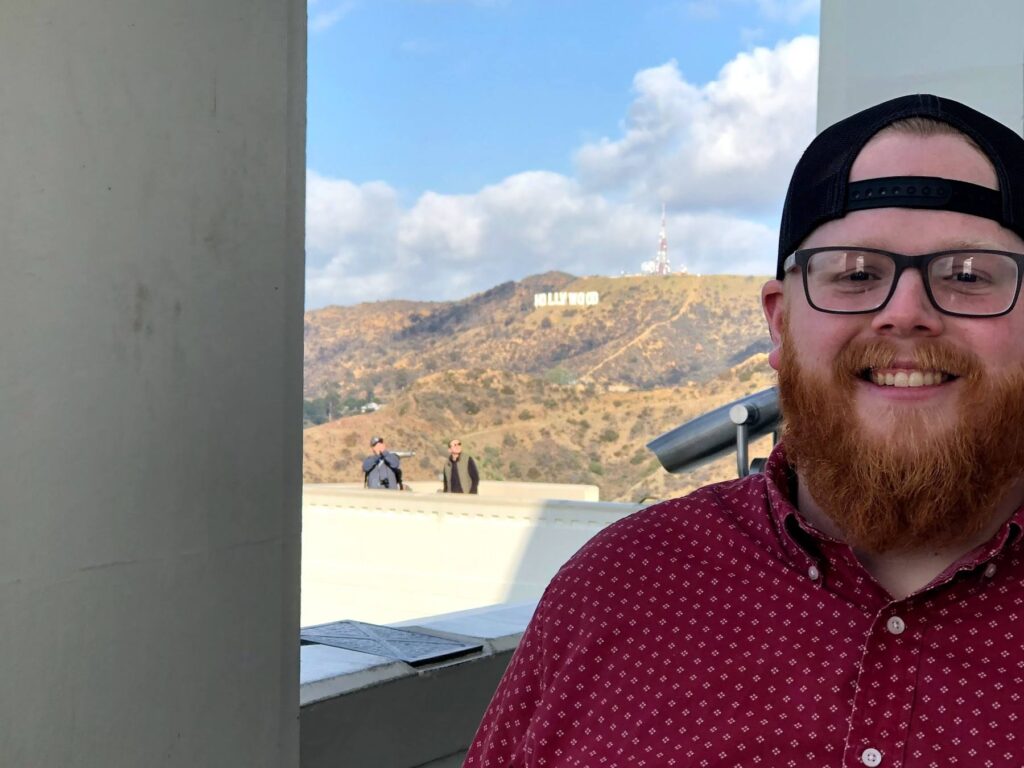
Our first trip of the year was to visit the headquarters of The Foursquare Church in Los Angeles this February. This trip was planned in the middle of the project and gave us a great opportunity to reveal the work in progress, provide some initial hands on training, as well as do some further project planning.

It was also a great time of work and play where we got to sample some great food and beer, stroll down Hollywood Blvd, and visit the Griffith Observatory. This trip was also the first time Blake and Elizabeth were able to meet face to face.

Ben Franklin is everywhere

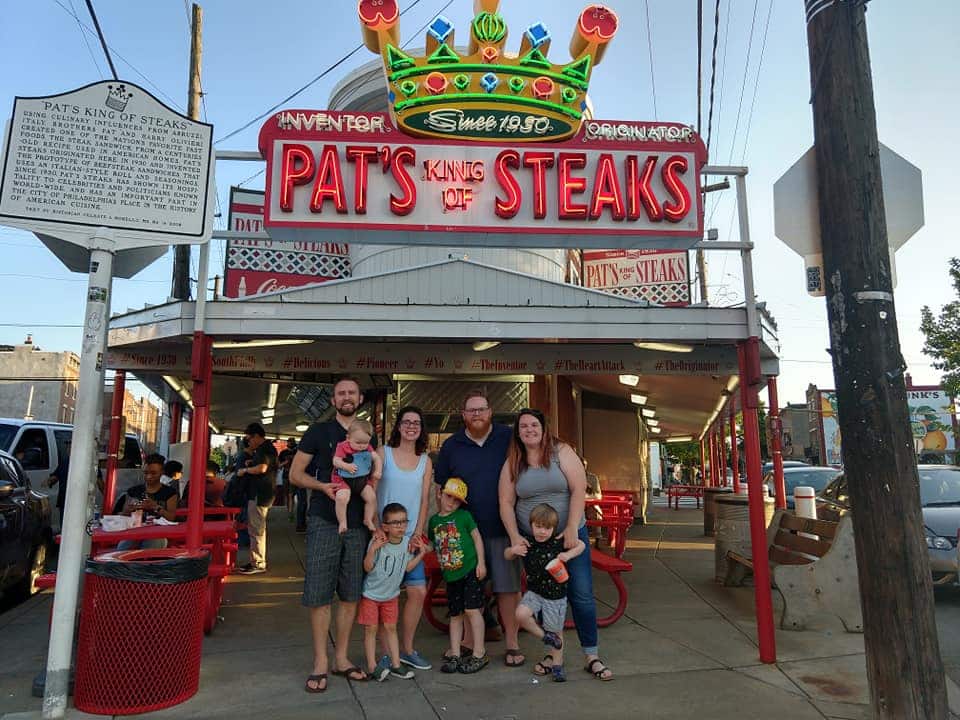
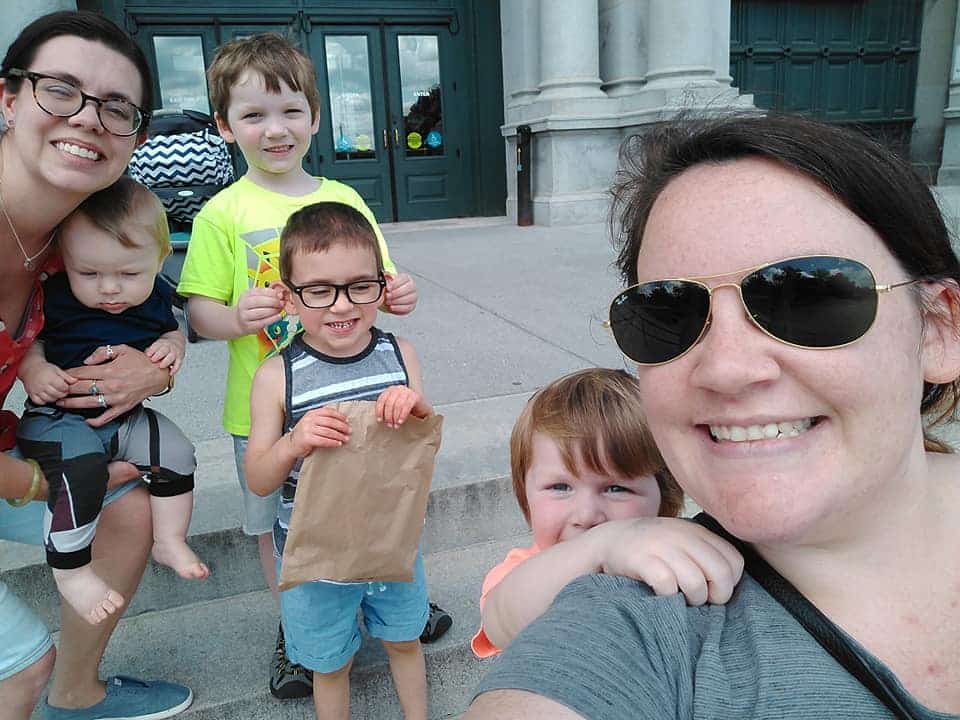
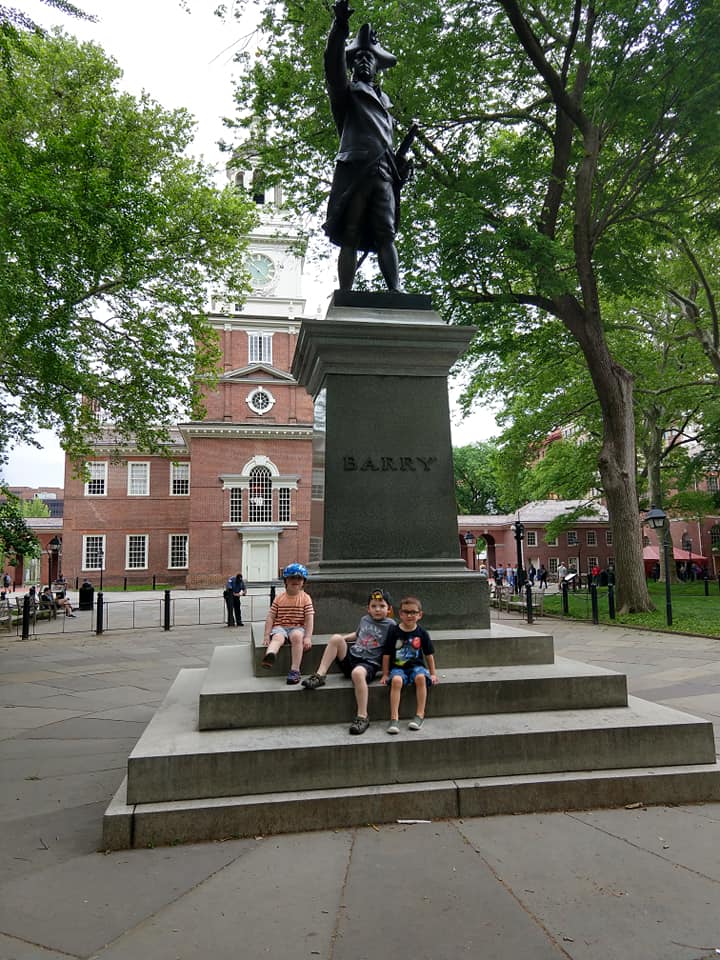
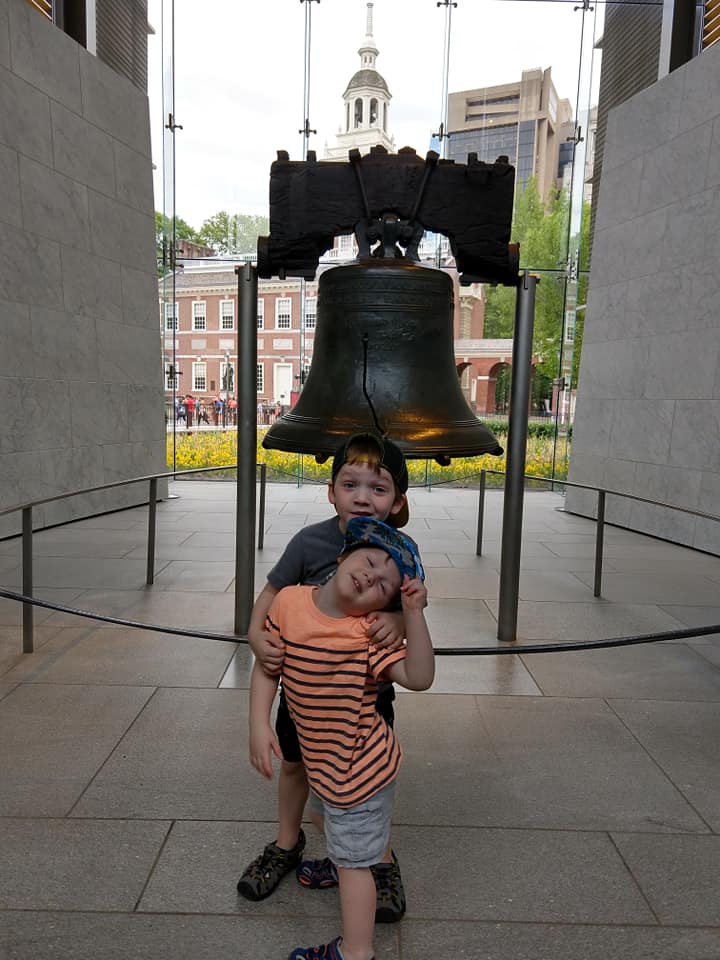
Our second trip this year was to the city of brotherly love. Blake and I took our families to Philadelphia to meet up and plan a kickoff project with CCEF. We met at their main office, a beautiful, historic building near the campus of Westminster Theological Seminary, and did several planning sessions for all aspects of the site with many people that we’ve only ever previously met via email.

We stayed in an interesting Airbnb in downtown Philadelphia. During the day, it was a great location with quick access to fun for the family and public transportation for us. However, we did get woken up to shouts of “Don’t Shoot!” early on one of the mornings.

It’s people! It’s made of people!

Our team has also grown in 2018! Stephen Dickinson is helping us with some design and front-end development. We’ve really enjoyed having him contribute to our client projects. He’s got an intentionality with his approach and takes the time to invest in tools for projects that make them easier (and better) to manage over the long haul. In his free time he also volunteers as a support moderator for the WordPress.org forums.

2019?

We’re one quarter in and it is looking like a great year. Excited to figure out more ways to quickly serve you, our wonderful clients. Onward!

On that note, we are looking to grow our team this year! If you’re interested, check out the latest posting for a Support and Technology Specialist.